
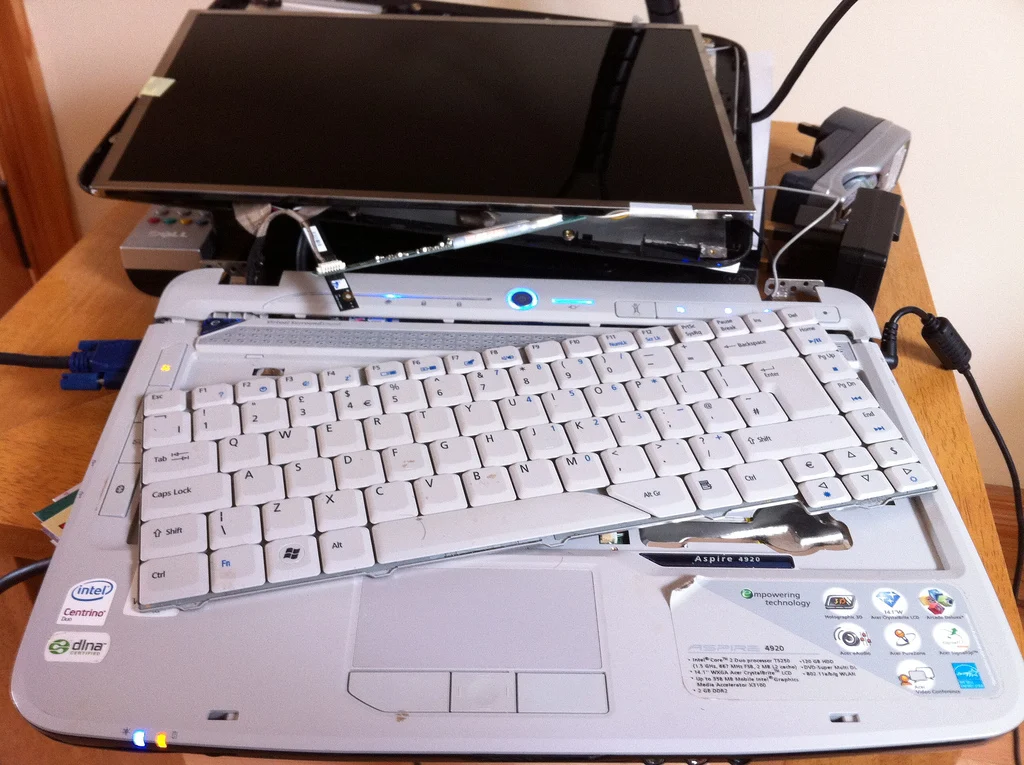
When a computer becomes unreliable or slow, buying a new one can feel like the obvious answer. But a focused repair or upgrade may give you several more productive years—especially if the rest of the machine is in good condition.
Start with the actual problem
A slow computer might need nothing more than a startup cleanup or an SSD upgrade. Unexpected shutdowns could point to heat, power, or hardware issues. Before comparing prices, identify the cause and check the condition of the storage drive.
When repair is usually worth considering
- The computer meets your software and security requirements.
- The issue is isolated, such as a replaceable SSD, battery, keyboard, or memory module.
- Parts are available and the expected repair cost is reasonable relative to a comparable replacement.
- You are satisfied with the screen, speed, and other capabilities once the issue is resolved.
When replacement may be the better choice
- Multiple major components are failing or the motherboard requires an expensive repair.
- The computer cannot run a currently supported operating system needed for safe use.
- Important software or business workloads require newer hardware.
- Replacement parts are unavailable or the total repair cost approaches the cost of a suitable new or refurbished system.
Compare the total cost—not just the sticker price
| Repair or upgrade | Replace |
|---|---|
| Parts, labor, and expected useful life | Purchase price, setup, and accessories |
| Backup and any necessary data migration | Data transfer, application setup, and account sign-ins |
| Warranty on work and replacement parts | Manufacturer warranty and software compatibility |
Computer Hospital tip: Ask what the repair is expected to solve, what it will not solve, and whether the machine can receive security updates. There is no one-size-fits-all age or percentage rule.
Could an SSD or RAM upgrade make the difference?
Replacing a healthy mechanical hard drive with a compatible SSD can significantly improve responsiveness. Additional RAM may help when everyday workloads regularly exhaust available memory. Neither upgrade fixes a failing motherboard, overheating problem, or unsupported operating system.
Protect your files before making a decision
Whether you repair or replace, verify a usable backup first. If the drive is failing, minimize unnecessary use and ask about data recovery before attempting migration.
How Computer Hospital helps
We assess the computer's condition, explain practical options, and can assist with computer repair, laptop repair, drive upgrades, and data migration. Our goal is to help you make an informed choice rather than replace a machine unnecessarily.
Computer Hospital · Houston since 1986
Need help with this issue?
Bring us the symptoms and the steps already tried. We can discuss an appropriate evaluation and explain your service options before any paid work begins.